




Overview
Handbook puts the printed charts, tables and pocket references of a machine shop in your pocket. One hundred tools for machining and fitting, each built to be used at the machine or the bench, with a job waiting.
It was designed on a workshop floor by a machinist, for the questions that come up between cuts.


Machining
Answers you can check.
Speeds, feeds, threads and tooling, with the working shown so you can check it.
- Turning10
- Milling8
- Drilling7
- CNC9
- Measurements9
- Reference8
- Tooling1
-
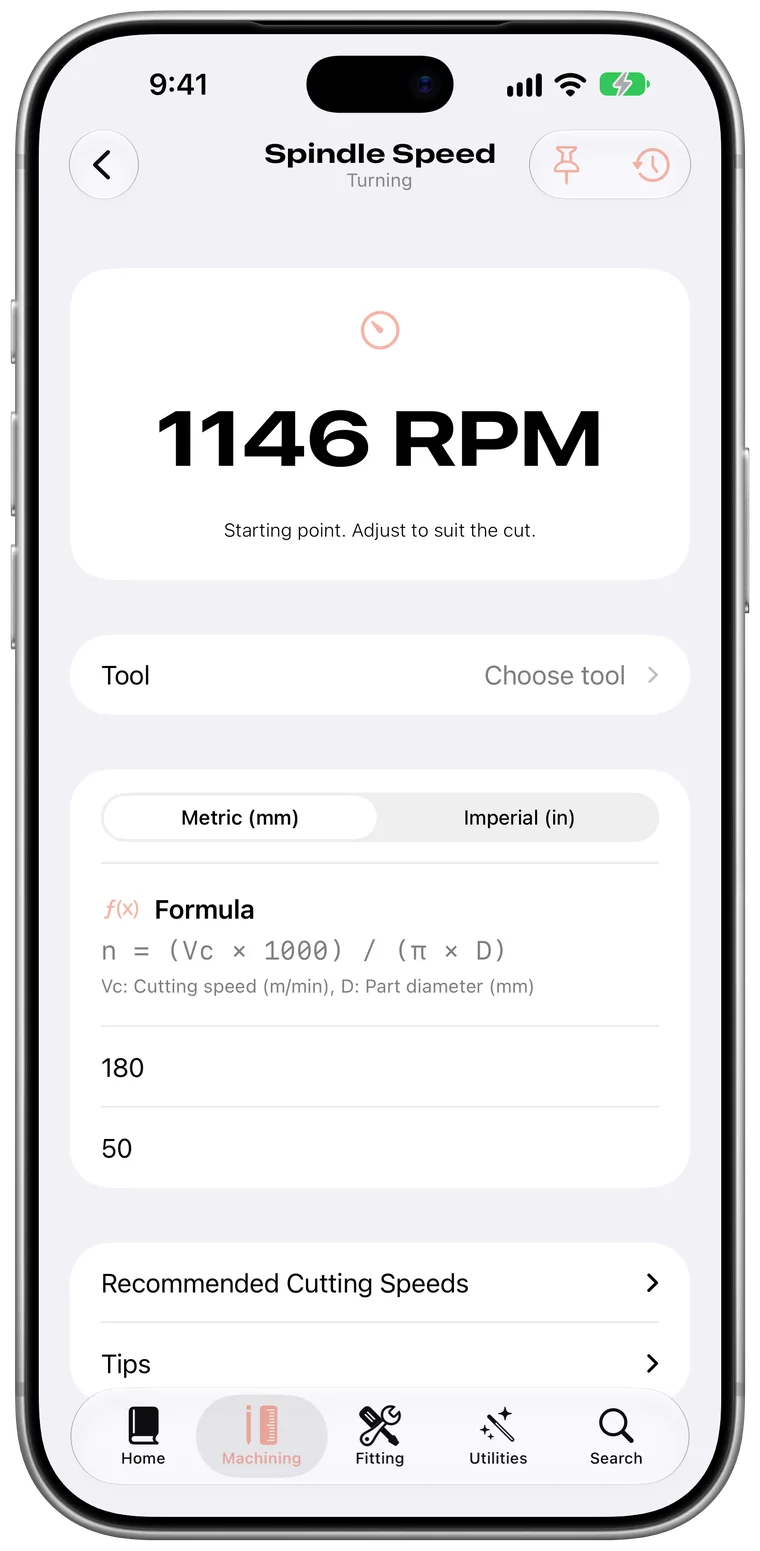
Spindle Speed
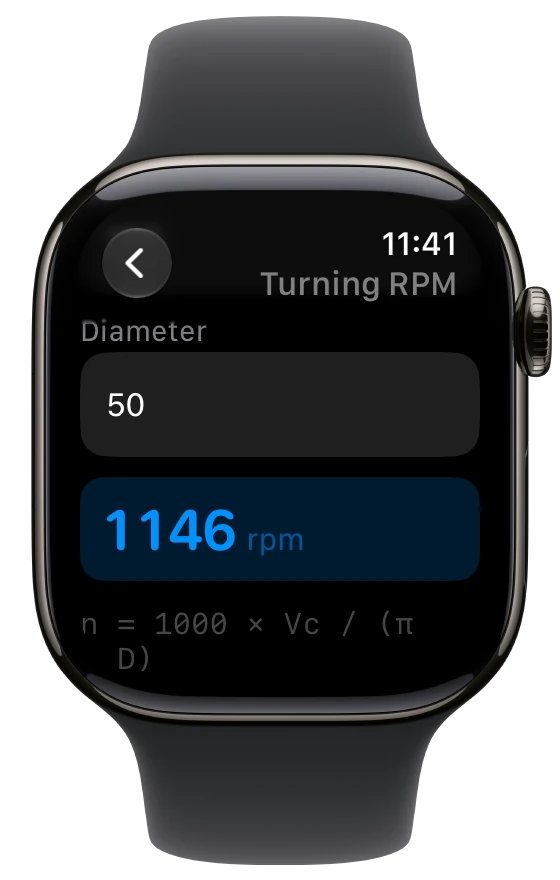
Enter a cutting speed and a diameter, and get the spindle speed with its formula underneath. 180 m/min on a 50 mm bar is 1146 RPM.
- Formula shown
- Metric and imperial
- Recommended cutting speeds
-
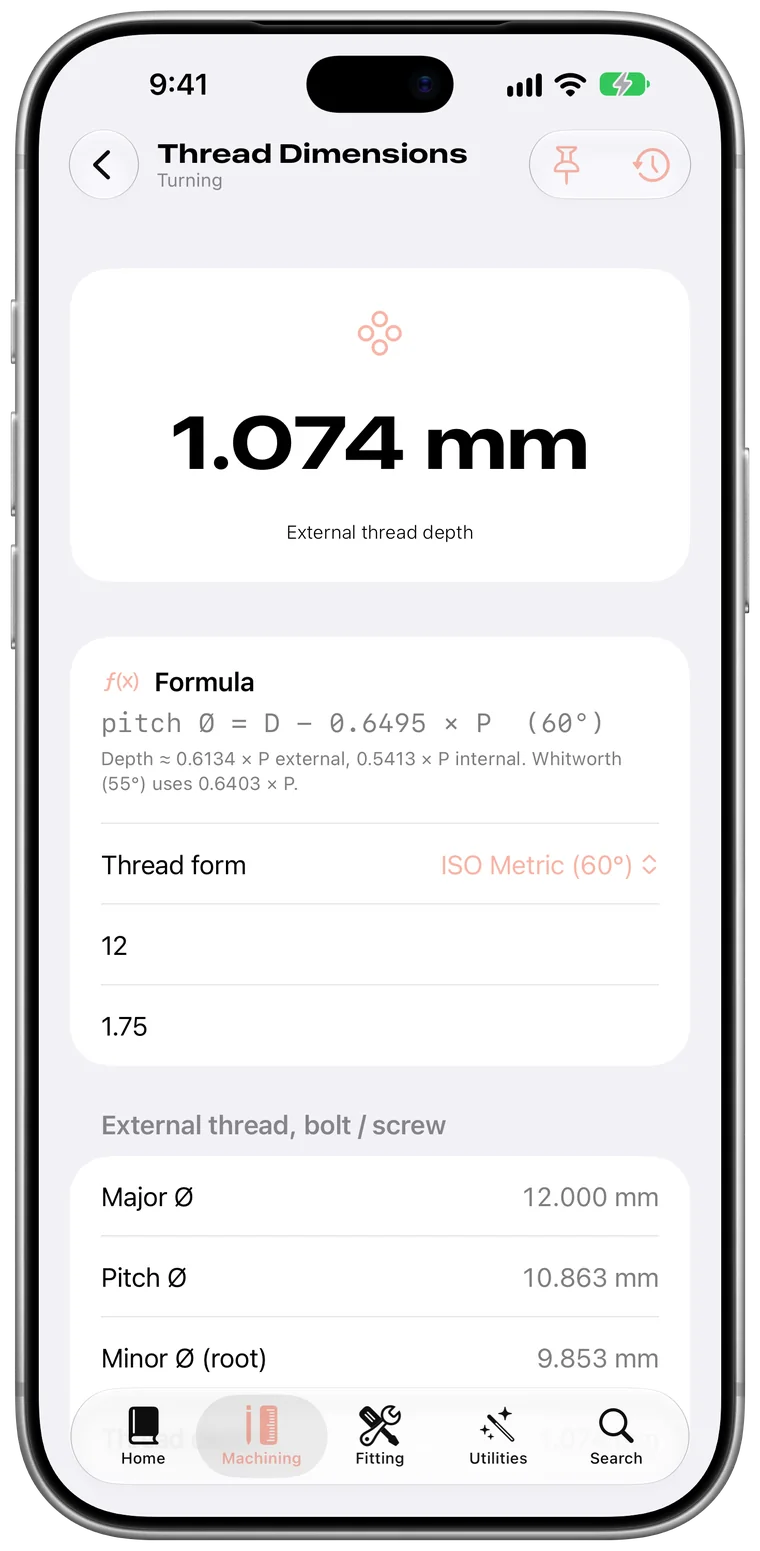
Thread Dimensions
Every diameter and the thread depth from a size and a pitch. For M12 × 1.75, the depth is 1.074 mm.
- Major, pitch and minor diameters
- Thread depth
- Internal and external
-
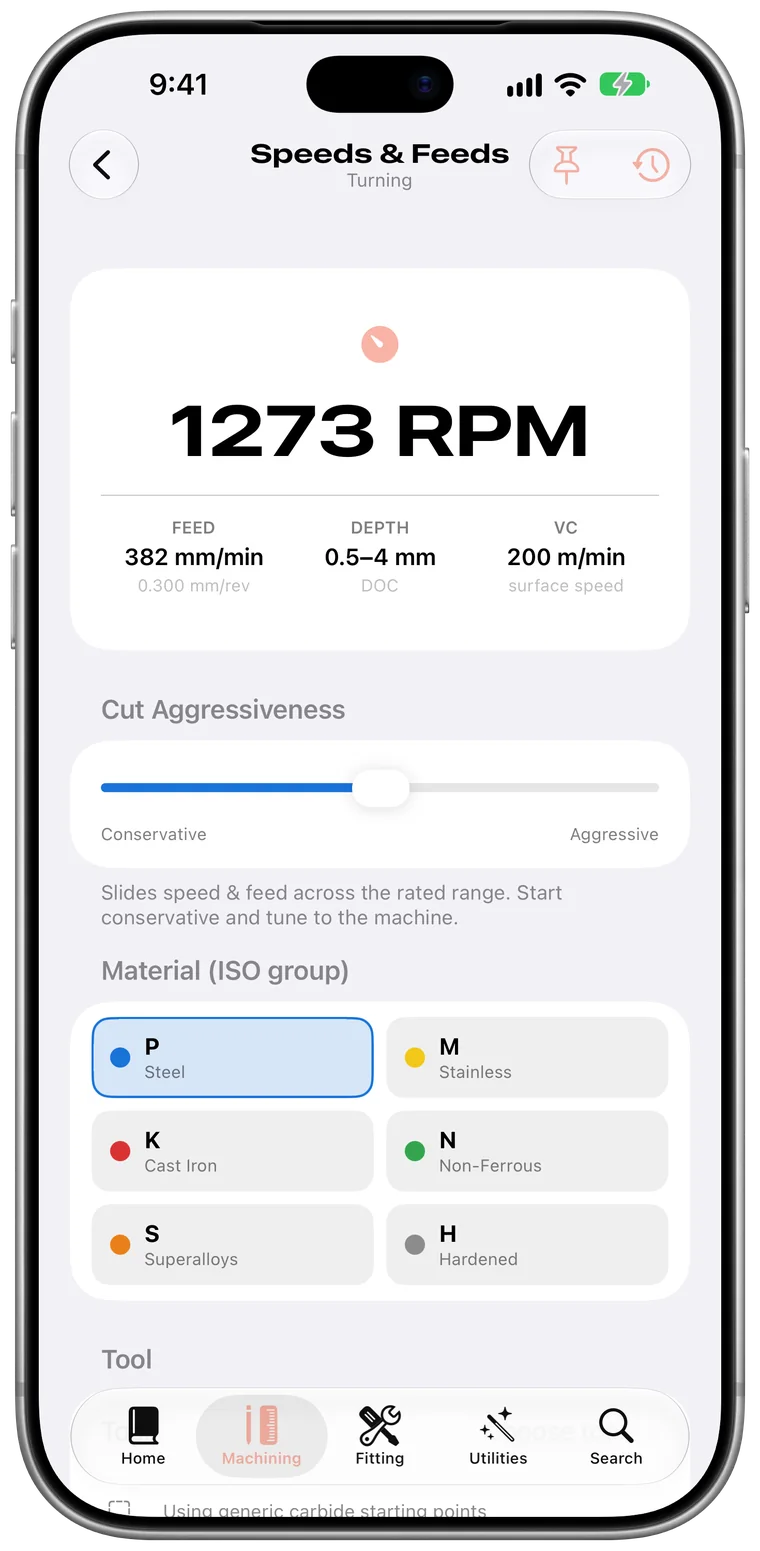
Speeds and Feeds Advisor
Choose the material group and how hard you want to push. Handbook recommends the speed, feed and depth of cut to start from.
- Material groups
- How hard to push
- Speed, feed and depth of cut
Fitting
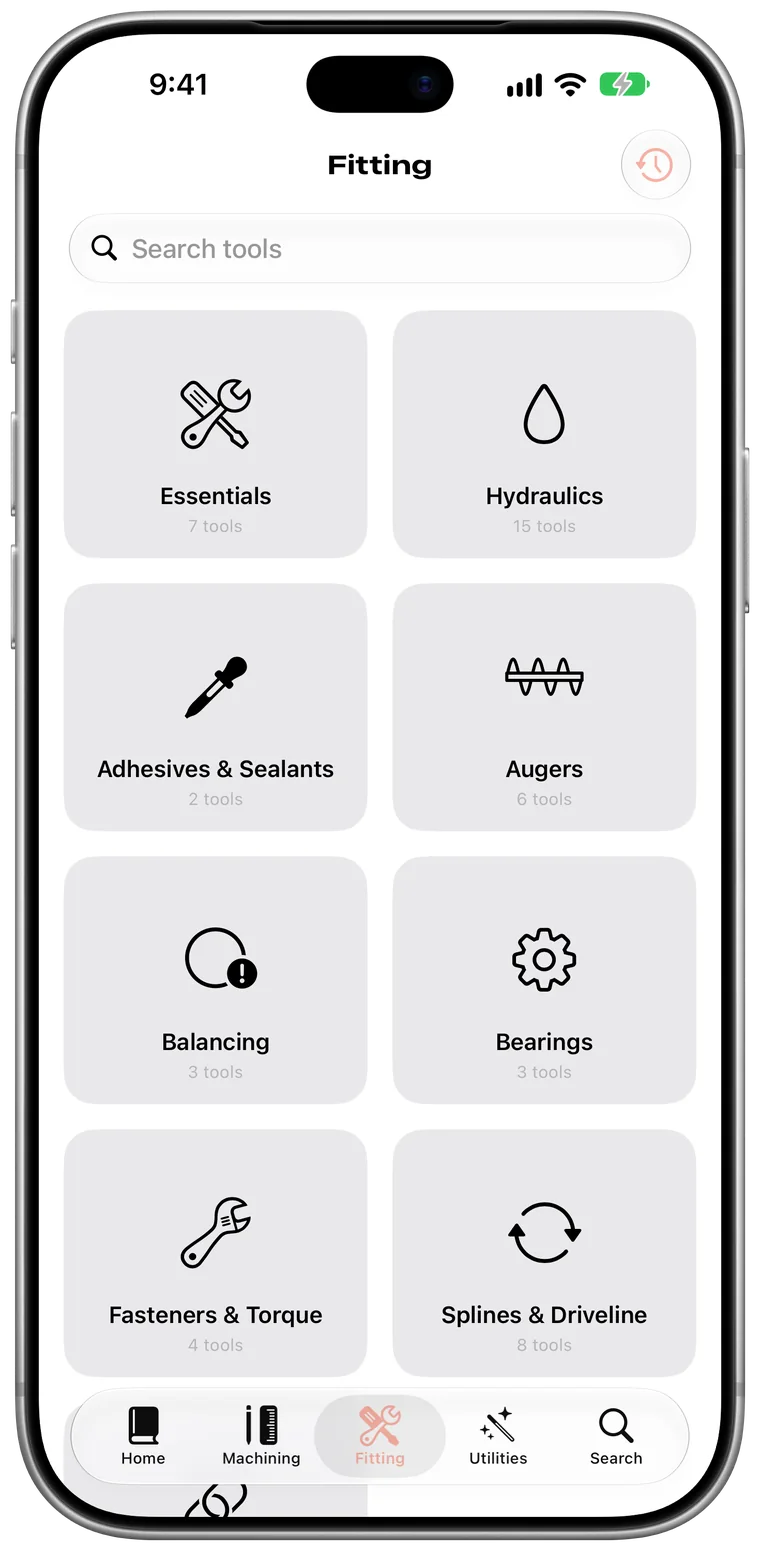
Built for the fitting bench, too.
Hydraulics, bearings, fasteners and augers, for the jobs away from the machine.
- Hydraulics15
- Essentials7
- Augers6
- Splines and driveline8
- Bearings3
- Fasteners and torque4
- Balancing3
- Adhesives and sealants2
-
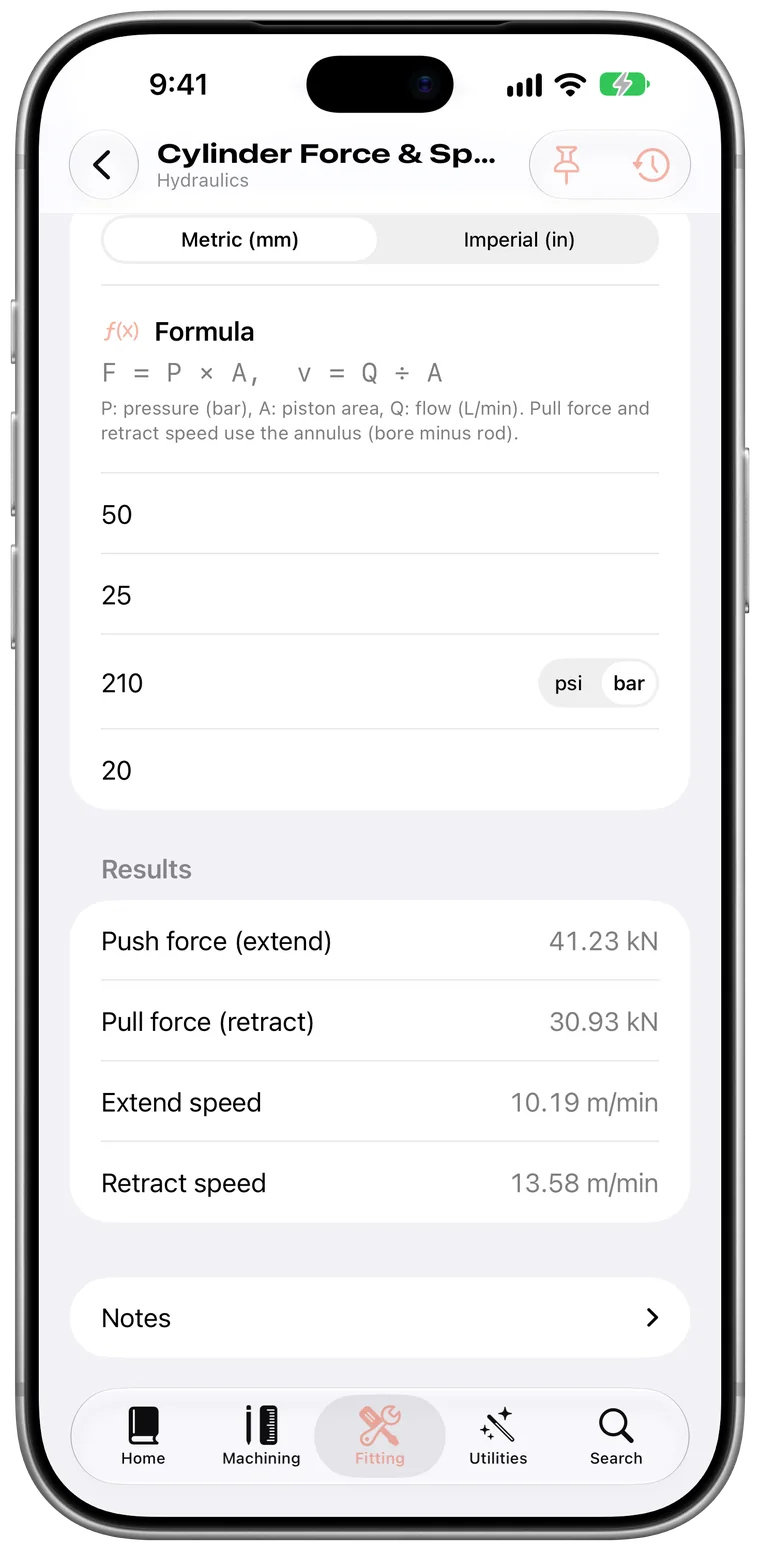
Cylinder Force and Speed
Push and pull force, extend and retract speed, from bore, rod, pressure and flow.
- Push and pull force
- Extend and retract speed
- Bore, rod, pressure, flow
-
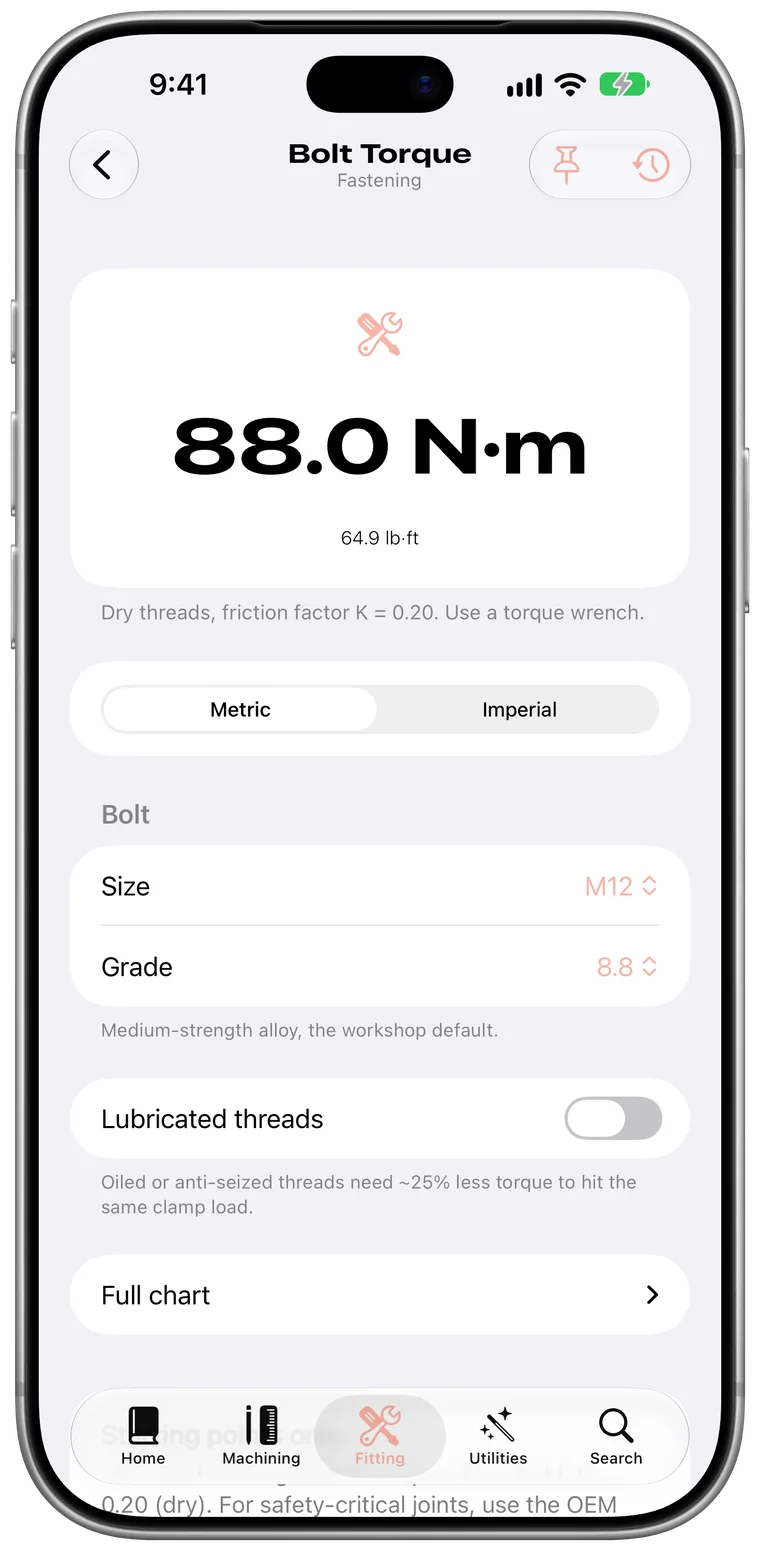
Bolt Torque
The right torque for the size and grade, dry or lubricated. An M12 8.8 takes 88.0 N·m.
- Size and grade
- Dry or lubricated
-
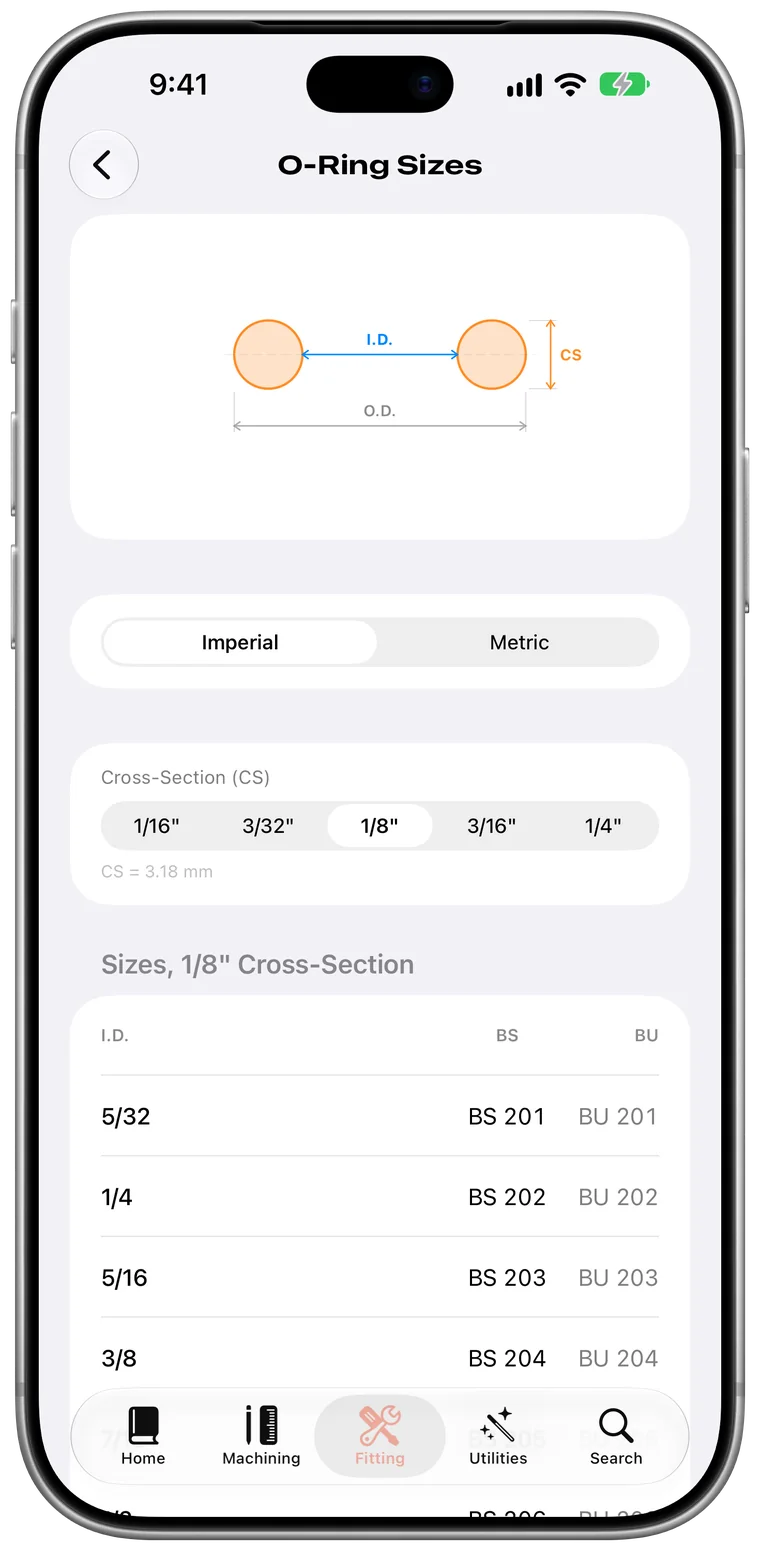
O-Ring Sizes
Find the ring by cross-section and inside diameter, with its BS and BU size.
- BS and BU sizes
- By cross-section
-
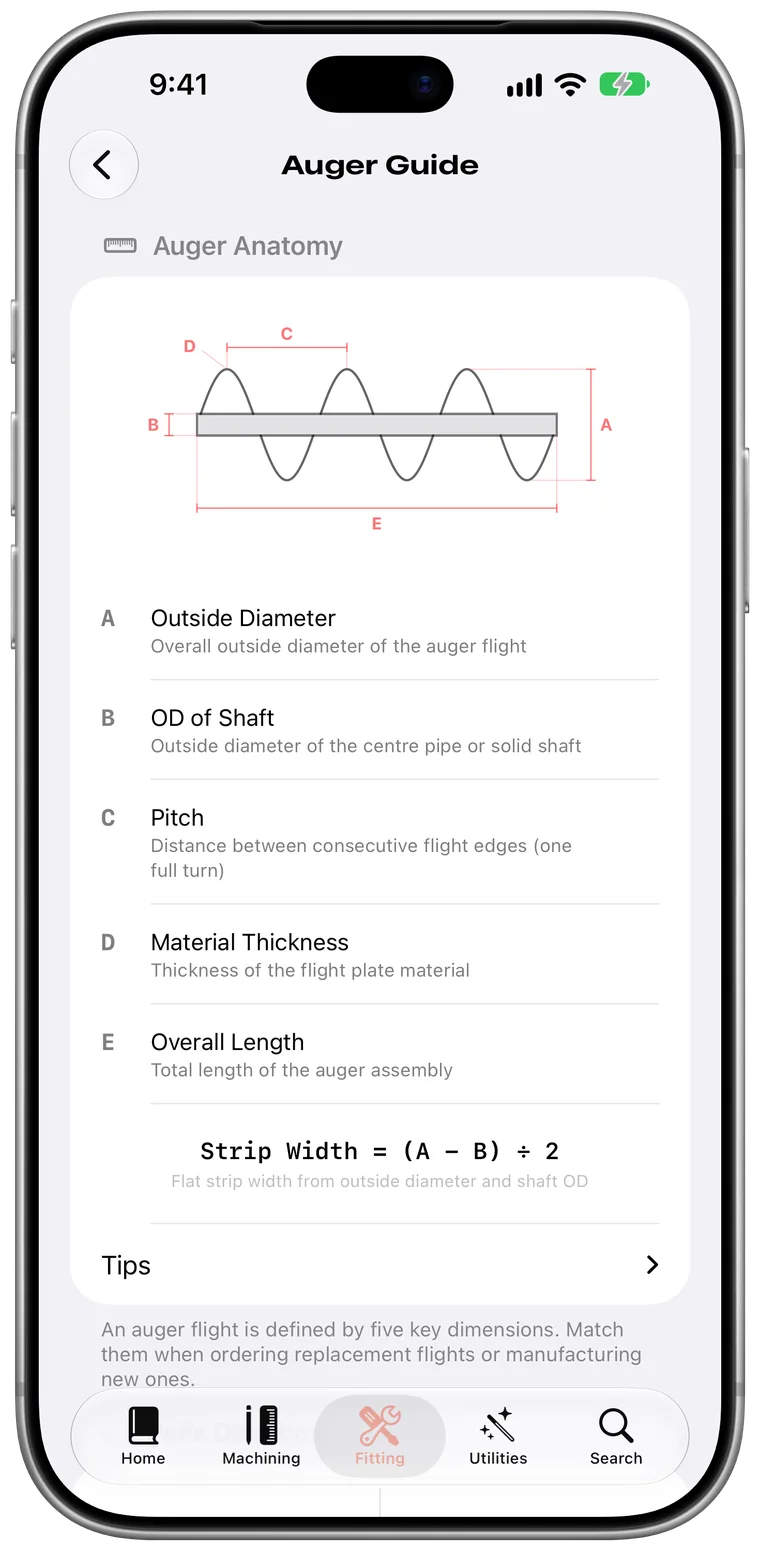
Auger Guide
Measure a flight once and order it right, with every dimension labelled on the diagram.
- Labelled diagram
- Every flight dimension
Find anything
Everything is where you expect it.
Two tabs, sorted the way the trade thinks, and a search that knows every tool.
-
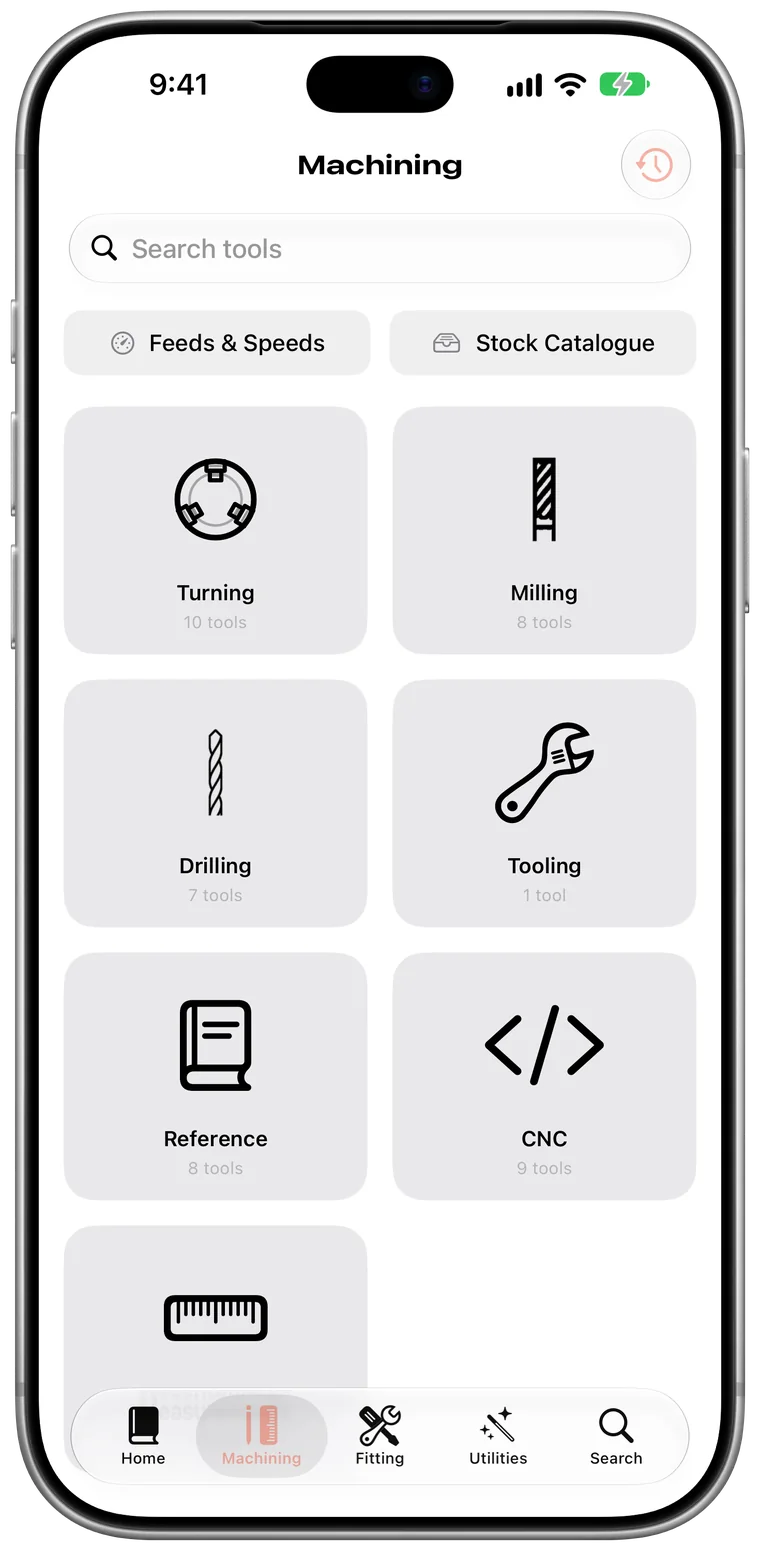
Machining
Turning, milling, drilling, tooling, reference, CNC and measurement.
- Turning
- Milling
- Drilling
- CNC
-
Fitting
From hydraulics and bearings to augers, balancing and adhesives.
- Hydraulics
- Bearings
- Augers
- Adhesives
-
Search
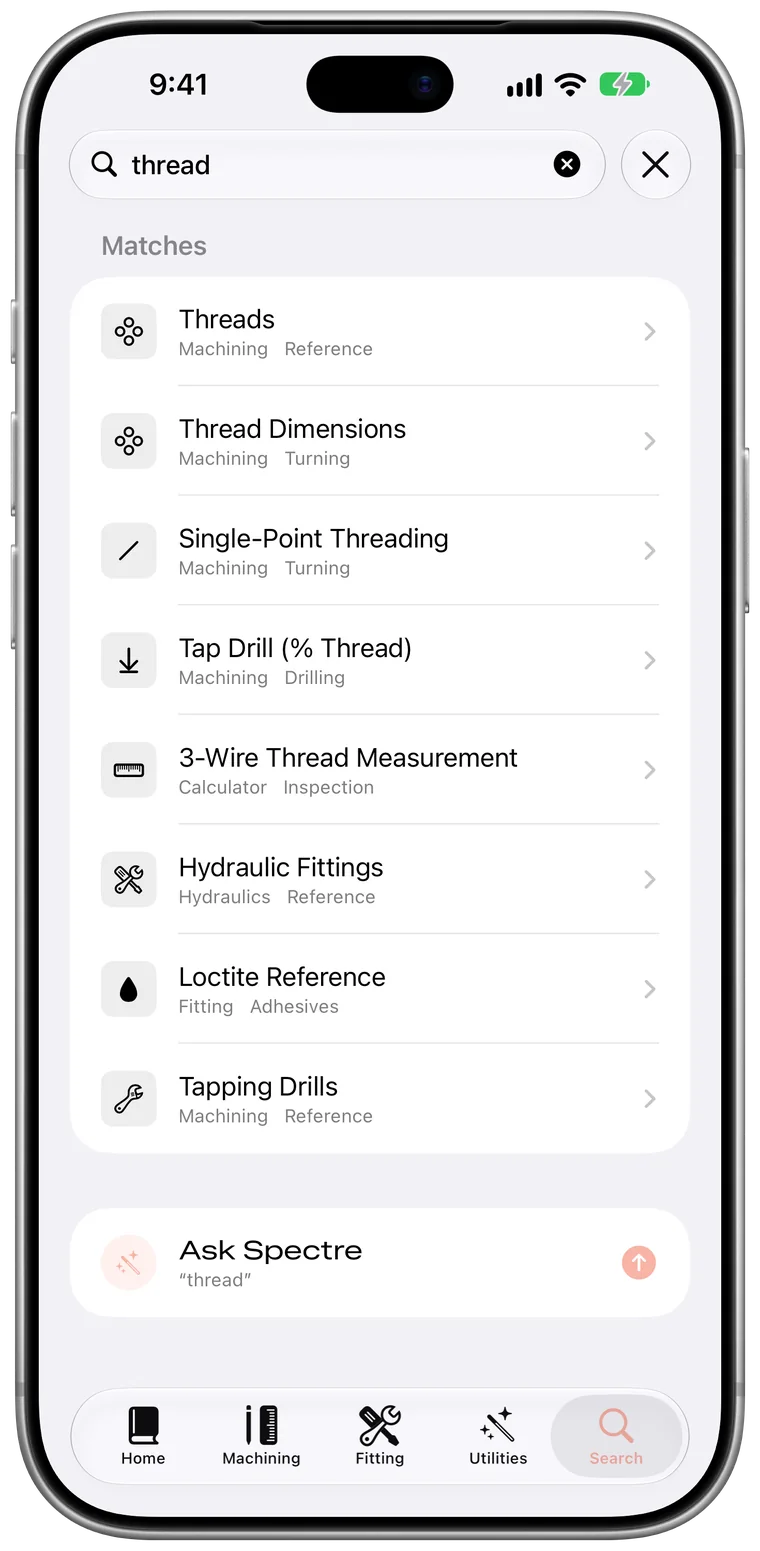
Type a few letters to find a tool. If the answer is not a tool, ask Spectre instead.
- Every tool
- Ask Spectre from results
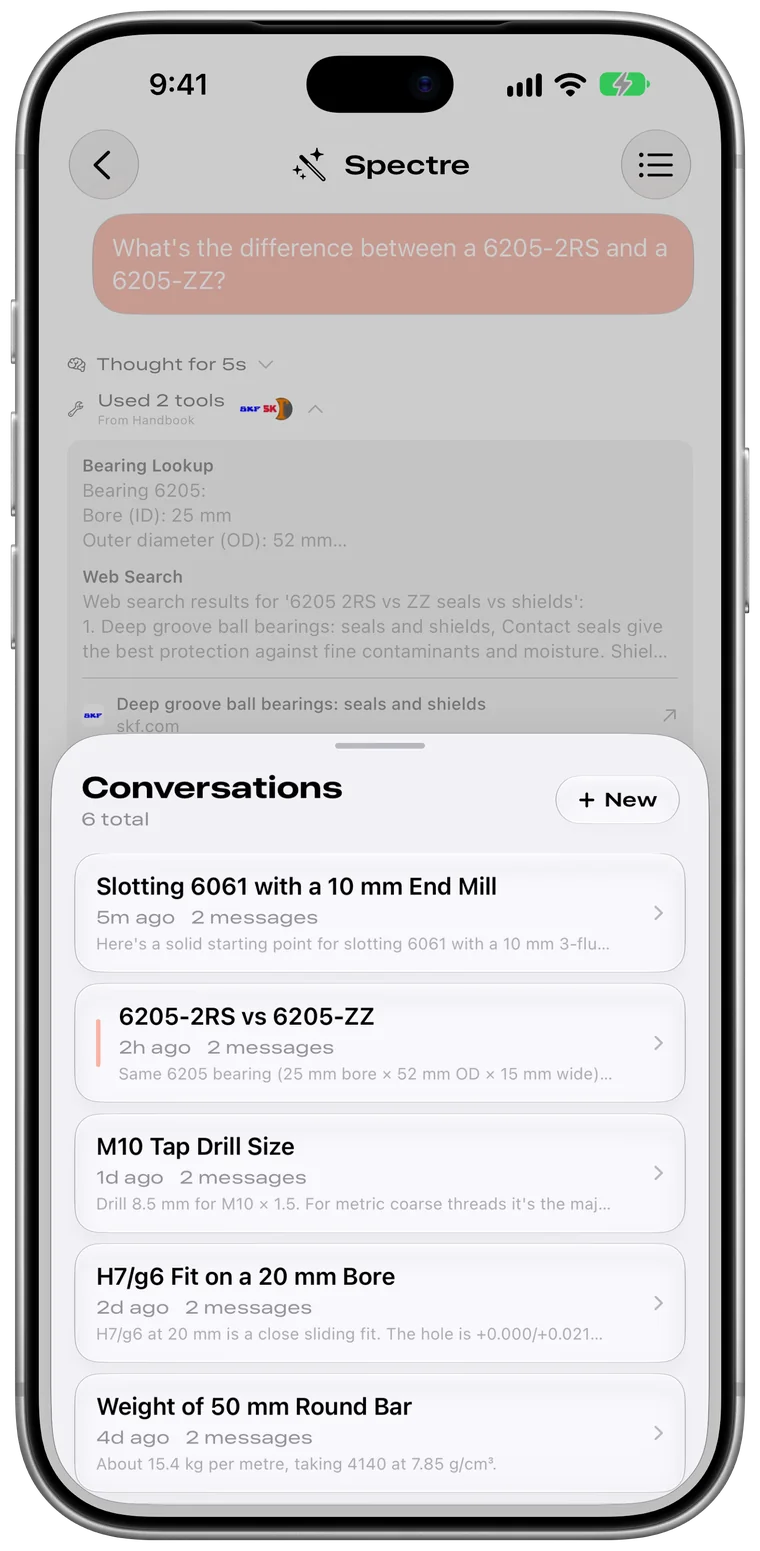
Spectre
An assistant that speaks the trade.
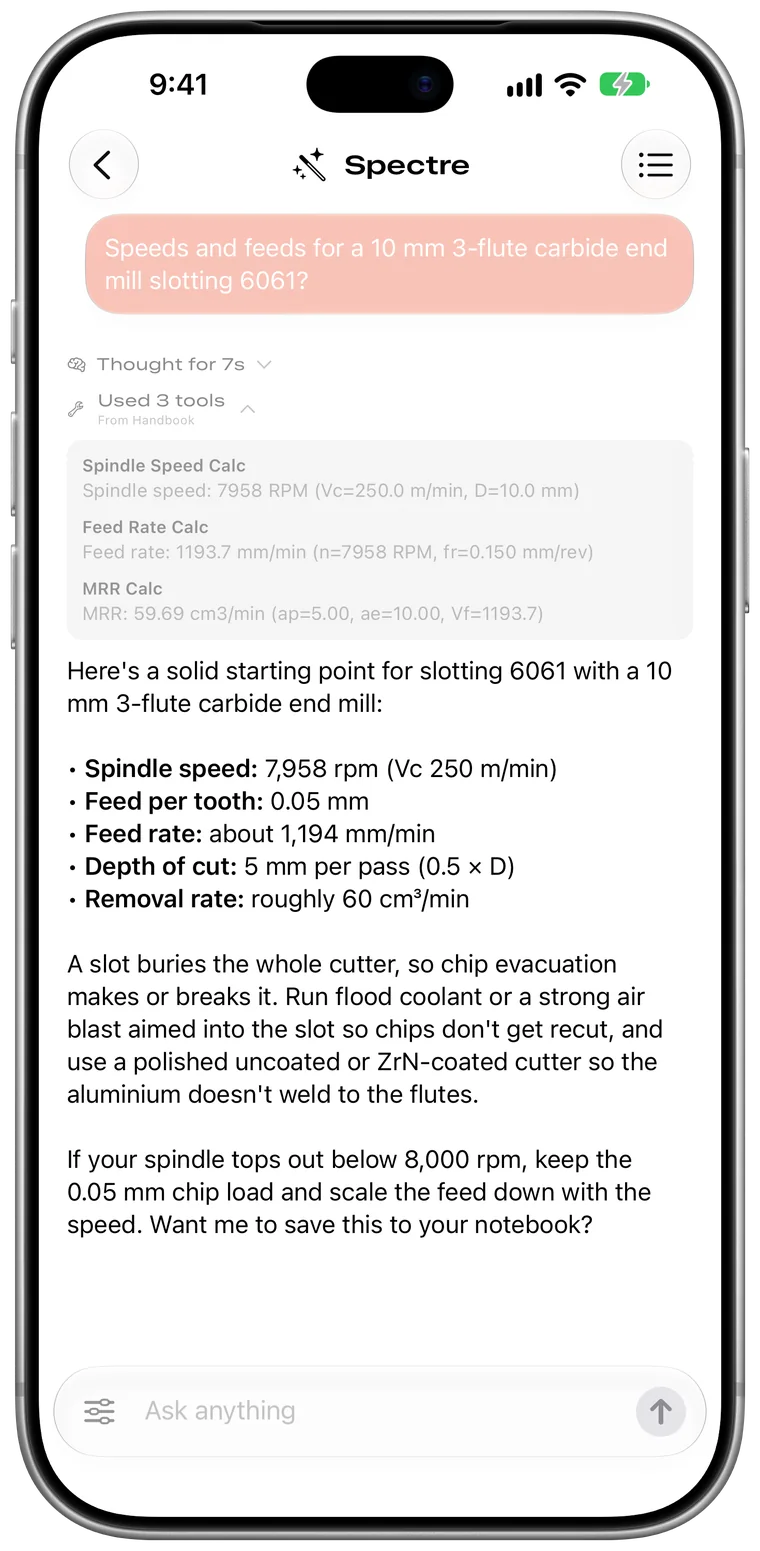
Ask the way you would ask the person at the next machine. Spectre shows every step.
-
Worked out, not guessed
Spectre runs Handbook’s own calculators and shows the inputs it used.
- Handbook’s own calculators
- Inputs shown
-
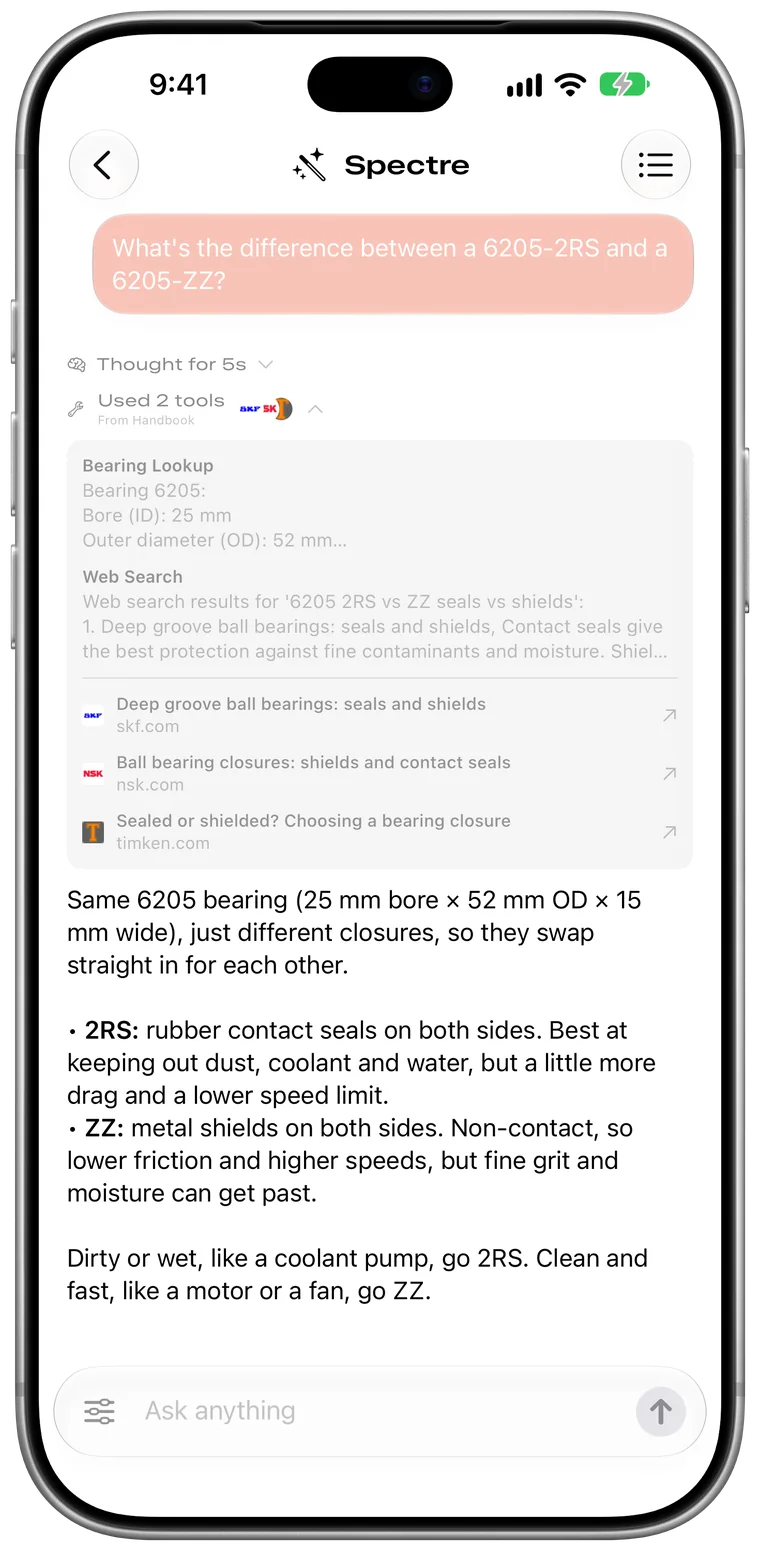
Searches when it needs to
Web results come with their sources, so you can check them.
- Web search
- Sources linked
-
Every conversation kept
Pick up where you left off, from any chat.
- Full history
- Pick up any chat
Notes
Remember what worked.
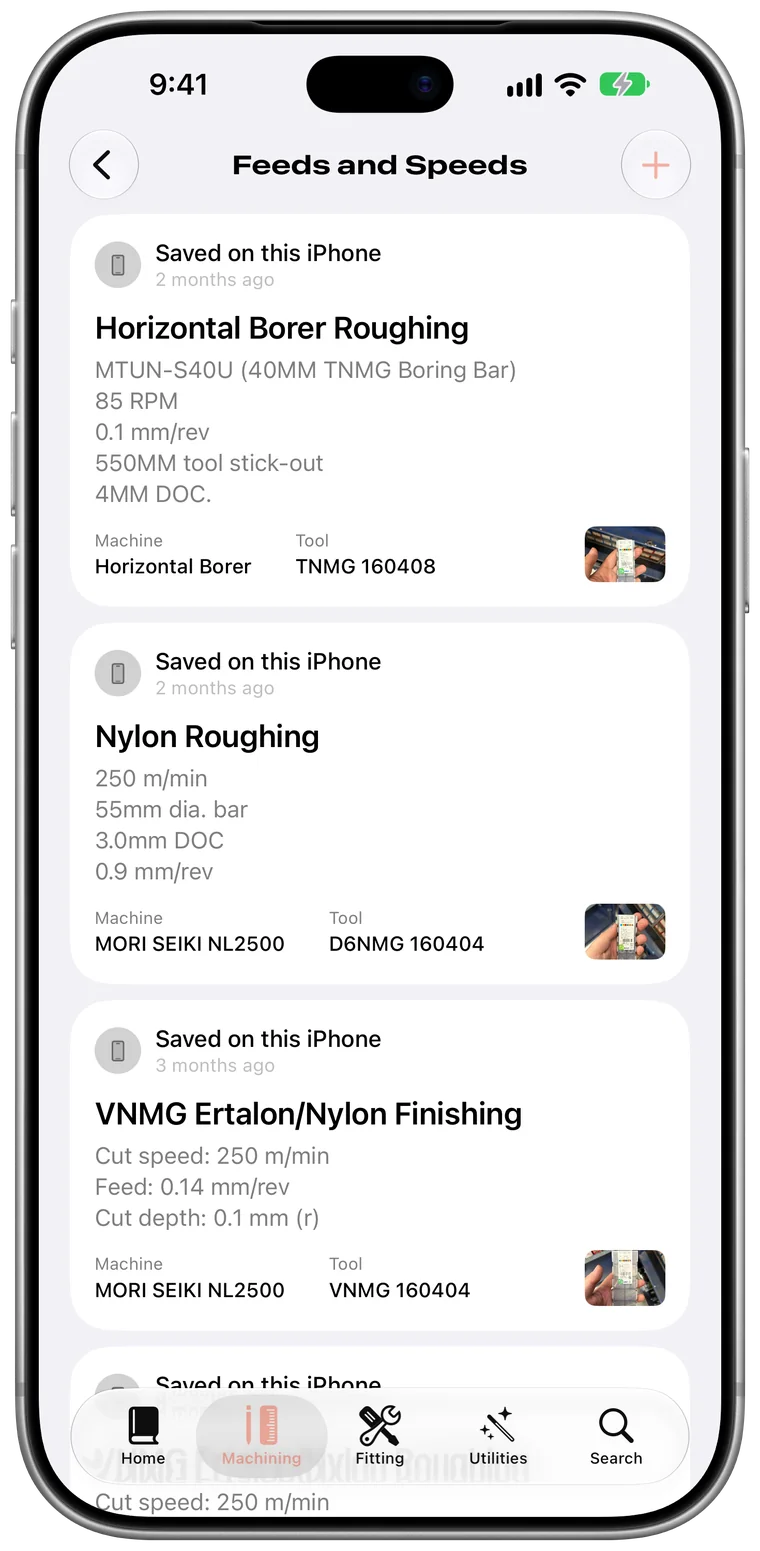
Save what worked, right next to the calculator you used.
-
Feeds and Speeds notes
Each note keeps the machine, the tool and a photo of the setup.
- Machine and tool
- Photo of the setup
- Share with the community
Make it yours
Make it yours.
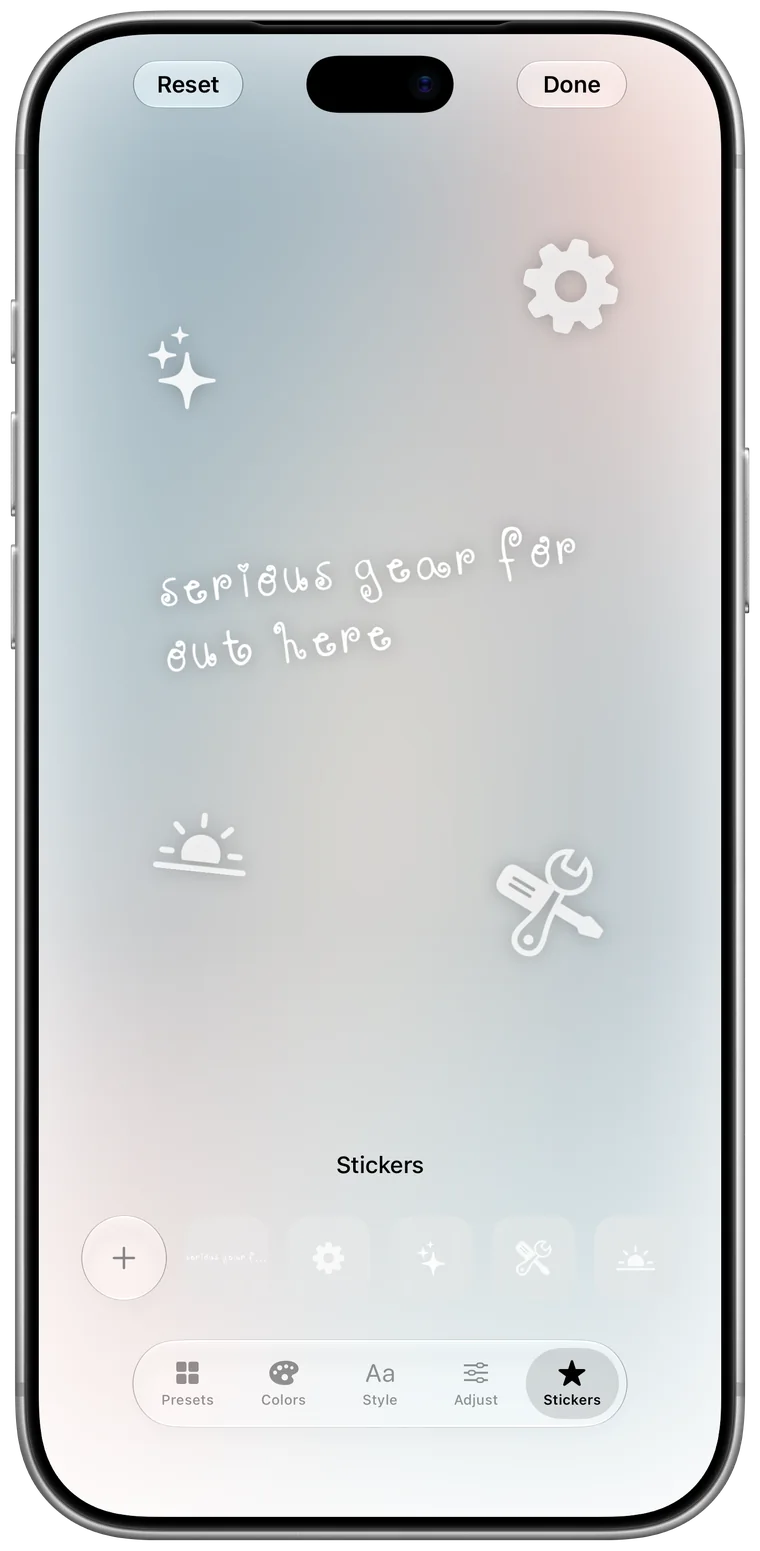
Start from a preset, then change as much or as little as you like.
-
Stickers
Place symbols, or words of your own like “serious gear for out here”, anywhere on the home screen.
- Presets
- Colours and backdrop
- Title typeface
- Stickers
Apple Watch
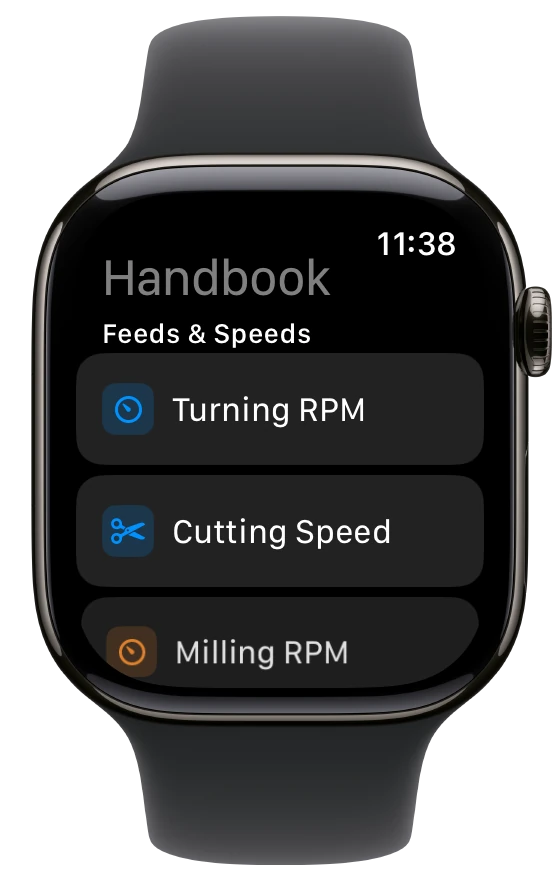
The numbers you need, on your wrist.
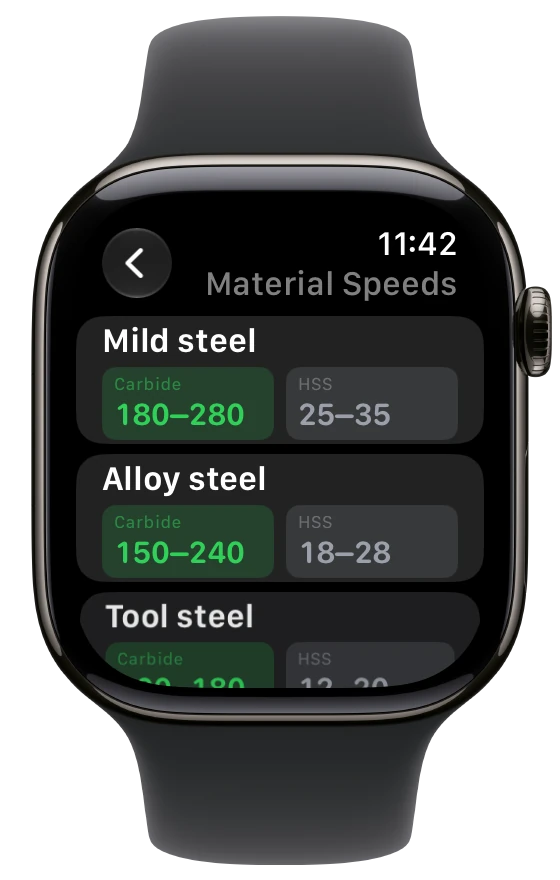
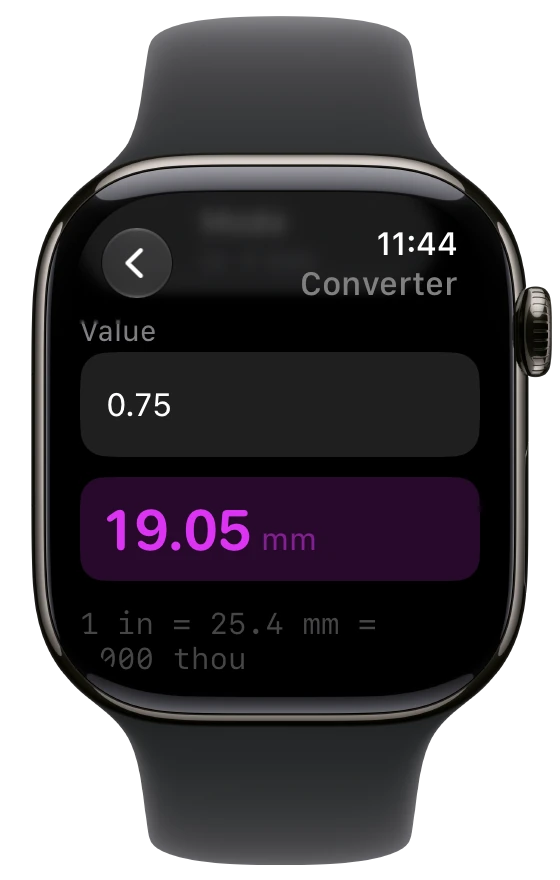
Speeds and feeds, cutting speeds by material and a unit converter, without reaching for your phone.
Additional features
Thoughtful in every detail.
Small features that save time every day.
History
Every calculator remembers its answers. Open one again and your inputs are already filled in.
Units
Millimetres or inches, everywhere. Set your default once.
Siri and Shortcuts
Ask Siri for speeds and feeds, or open any calculator by name.
Spotlight
Search a thread, designation or product code right from the Home Screen.
Balancing
Log balancing jobs and mandrels. Photograph the balancer's printout and the job fills itself in, then share a finished report as a PDF.
iCloud sync
Notes, history, pins and settings follow you between devices, through your own iCloud account.
Privacy
- Your data
- Your notes, tooling and logs stay on your devices. iCloud sync uses your own private iCloud account; Deoxy Labs keeps no copy.
- Community posts
- Nothing is published unless you post it, and every post is signed by a key only your iPhone holds.
- Collection
- No device identifier, no location, no access logs.
- Profile
- Every profile field is optional. Clear it any time.
- Policy
- privacy.deoxylabs.com
Requirements
- iPhone
- iOS 26 or later
- Apple Watch
- watchOS 11 or later
- Units
- Metric and imperial
- System features
- Siri, Shortcuts, Spotlight and iCloud sync
- Support
- [email protected]